
Animals Wallpapers
Download and tweet 250 000+ stock photo wallpapers for free in Animals category. ✓ Thousands of new images daily ✓ Completely free ✓ Quality images from MetroVoice
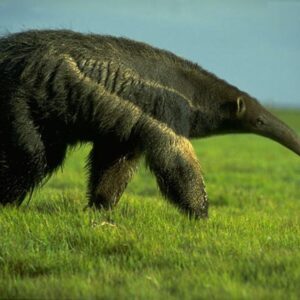 Aardvark
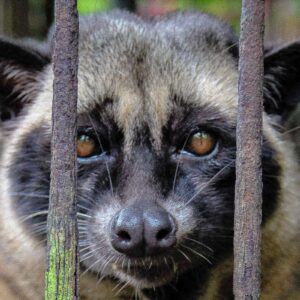 African Palm Civet
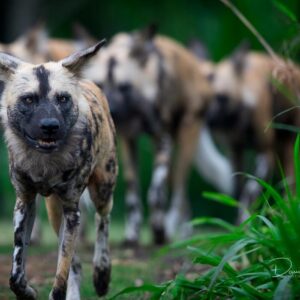 African Wild Dog
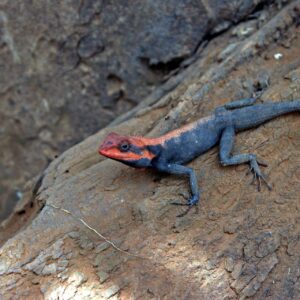 Agamas
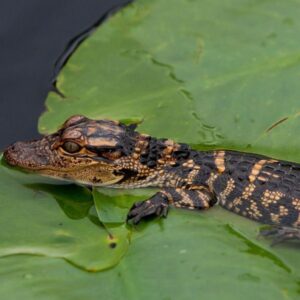 Alligator
 Anaconda
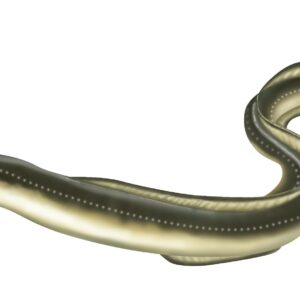 Anguilla
 Ant
Ant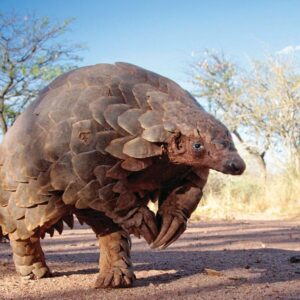 Armadillo
 Atlantic Cod
 Atlantic Mackerel
 Axolotl
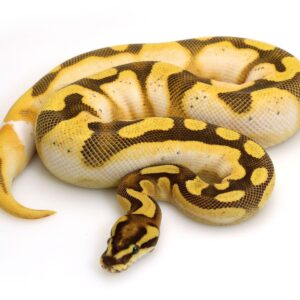 Banana Ball Python
 Beaver
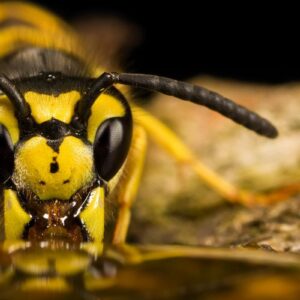 Bee
Bee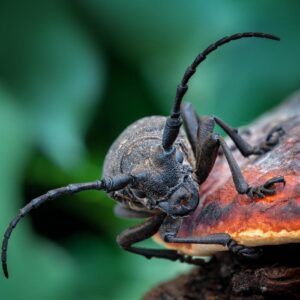 Beetle Insect
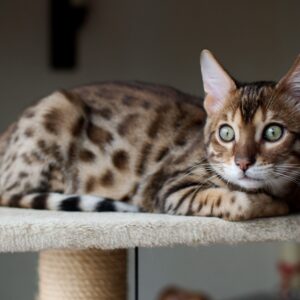 Bengal Cats
 Birds
Birds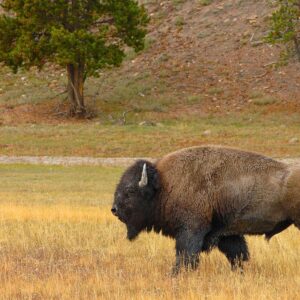 Bison
Bison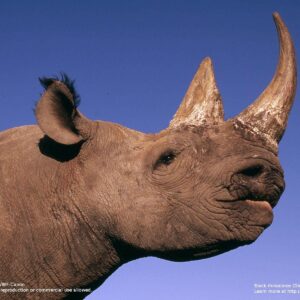 Black Rhinoceros
 Black Widow Spiders
 Blob Fish
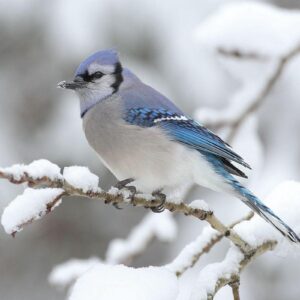
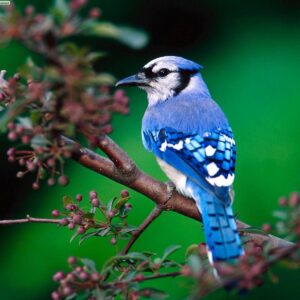 Blue Jay
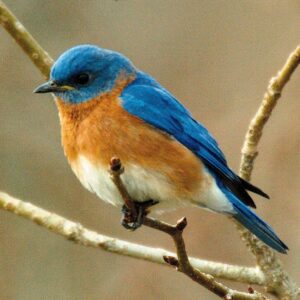 Bluebird
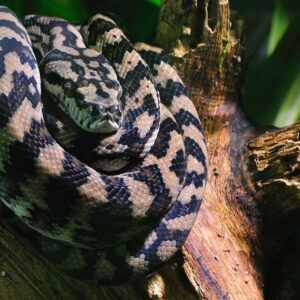 Boa Constrictor
 Bobcats
 Bowhead Whales
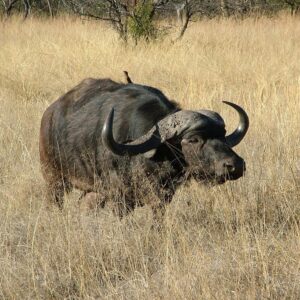 Buffalo
 Bulldogs
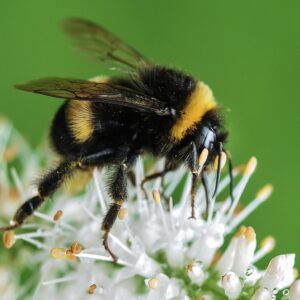 Bumblebee Insect
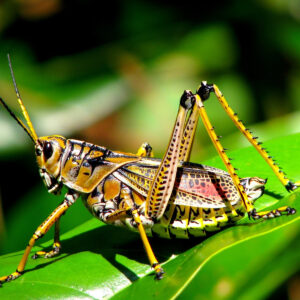 Bush Crickets
 Butterflies
 Butterfly
 Caecilians
 Camel
Camel Camels
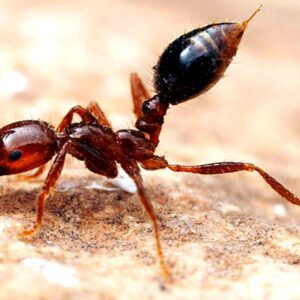 Carpenter Ant
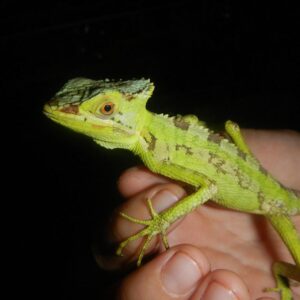 Casquehead Lizard
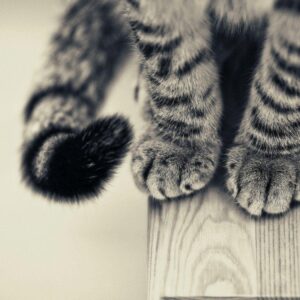 Cats
Cats Cephalopod
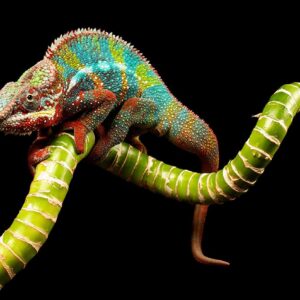 Chameleon
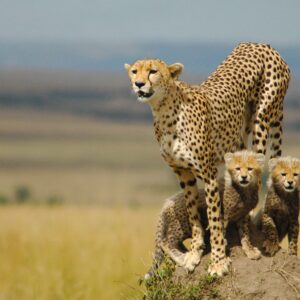 Cheetah
 Chevrotains
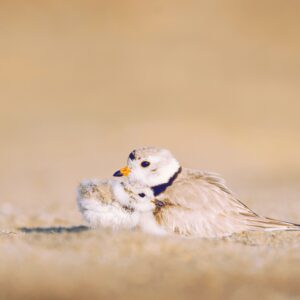 Chick
Chick Chihuahua
 Chimpanzee
 Chow Chow
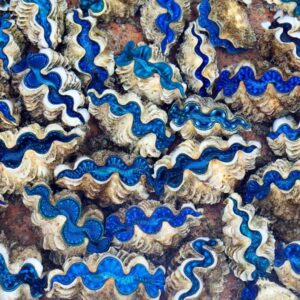 Clams
Clams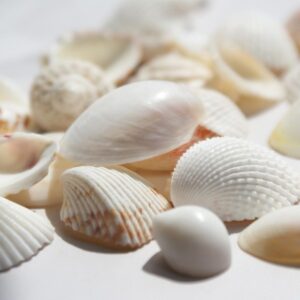 Cockle
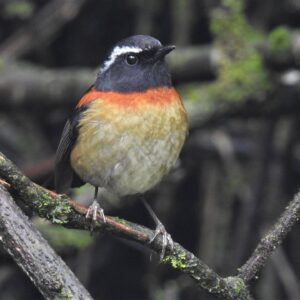 Collared Bush Robin
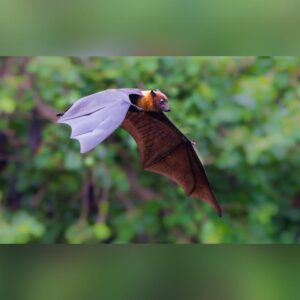 Colugos
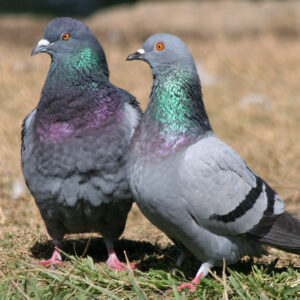 Columbidae
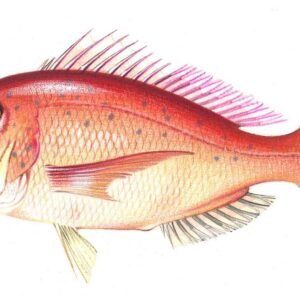 Common Bream
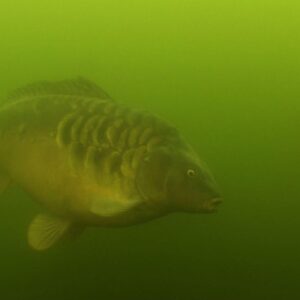 Common Carp
 Cormorant
 Cow
Cow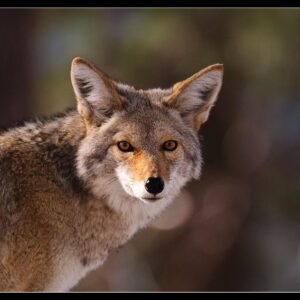 Coyote
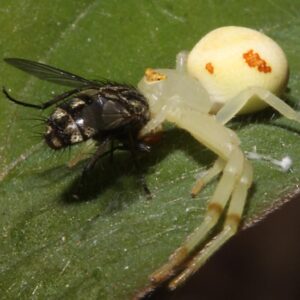 Crab Spiders
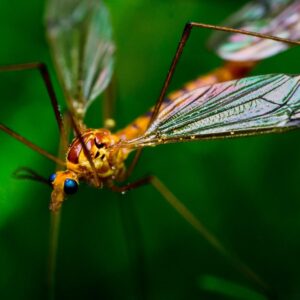 Crane Fly
 Crocodile
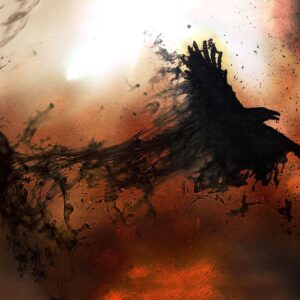 Crows
Crows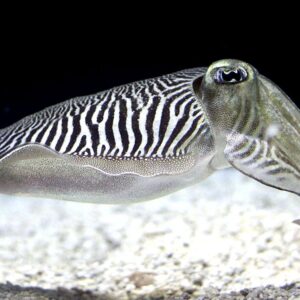 Cuttlefishes
 Deer
Deer Dhole
Dhole Dolphin
 Dove
Dove Duck
Duck Eagles Desktop
 Eared Seals
 Earwig
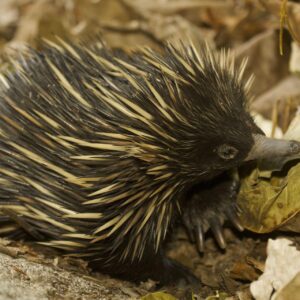 Echidna
 Elephant
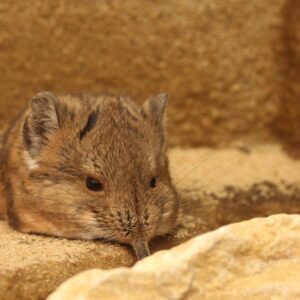 Elephant Shrew
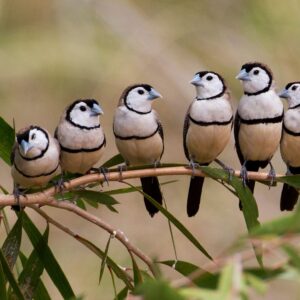 Finches
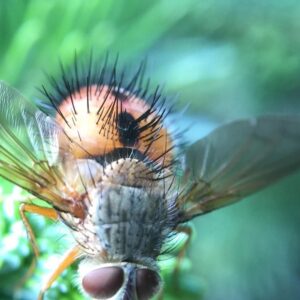 Fly Insect
 Frog
Frog Garden Snail
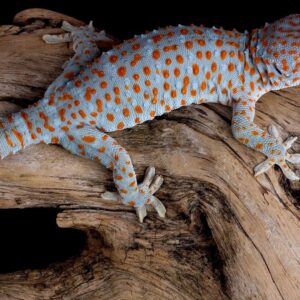 Gecko
Gecko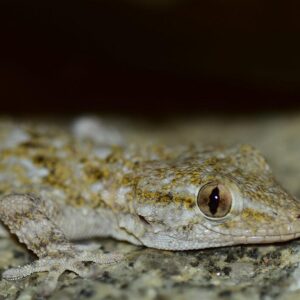 Gekkota
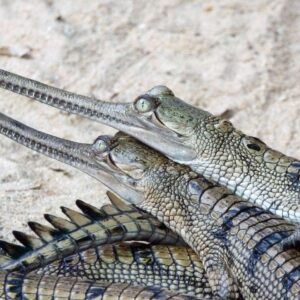 Gharials
 Giant Pandas
 Giant Squid
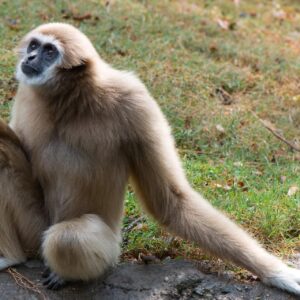 Gibbon
 Giraffe
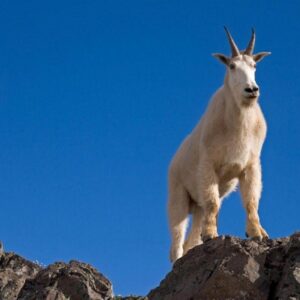 Goat
Goat Goats
Goats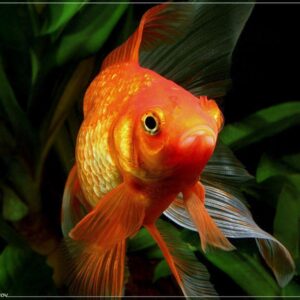 Goldfish
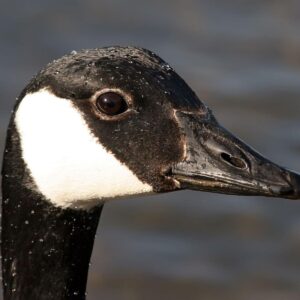 Goose
Goose Gopher
 Gorilla
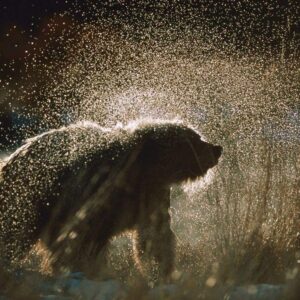 Grizzly Bear
 Guinea Pigs
 Hamster
 Hares
Hares Harvestmen
 Hedgehogs
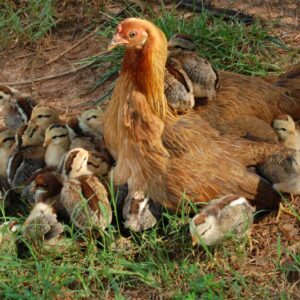 Hen
Hen Herons
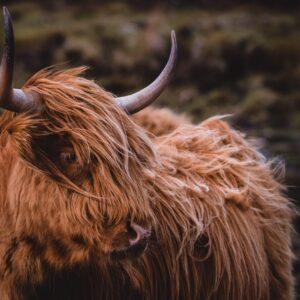 Highland Cow
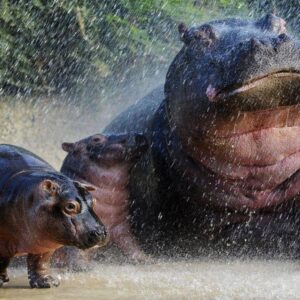 Hippopotamus
 Hollow-horned Ungulates
 Honey Bee
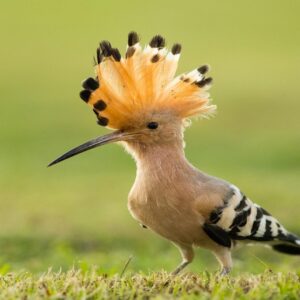 Hoopoes
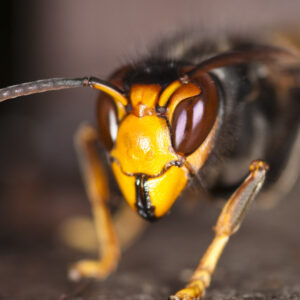 Hornet Insect
 Horse
Horse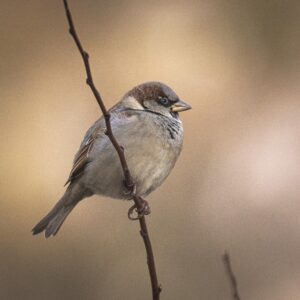 House Sparrow
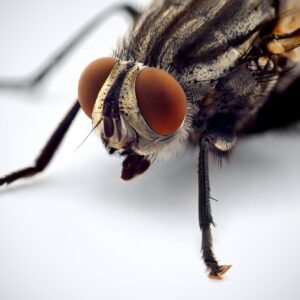 Housefly
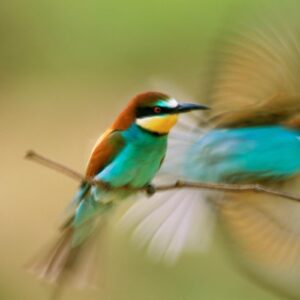 Hummingbird
 Humpback Whale
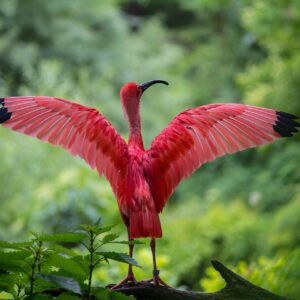 Ibis
Ibis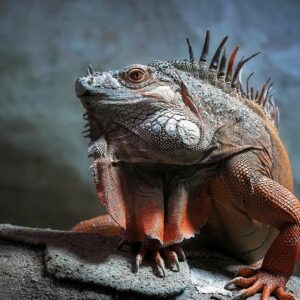 Iguana
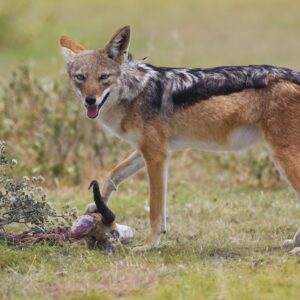 Jackals
 Jaguar
 Kangaroo
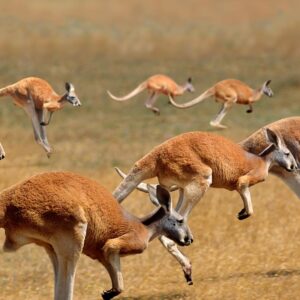 Kangaroo Hd
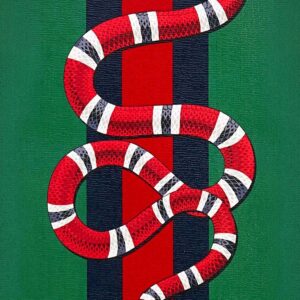 Kingsnakes
 Kittens
 Koala
Koala Koala Hd
 Labrador
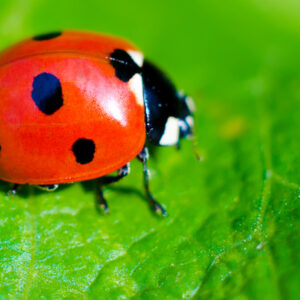 Ladybird Beetle
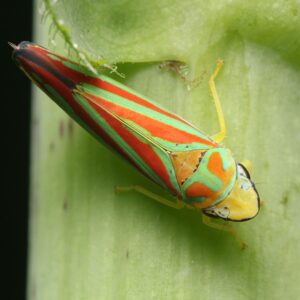 Leafhoppers
 Lemurs
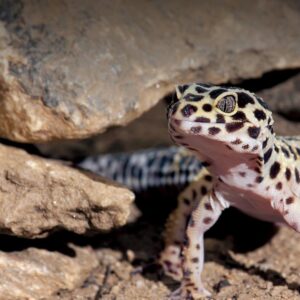 Leopard Lizards
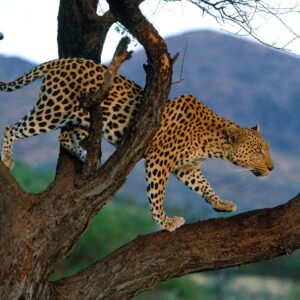 Leopards
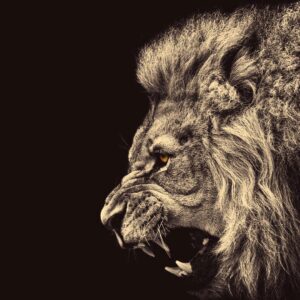 Lion
Lion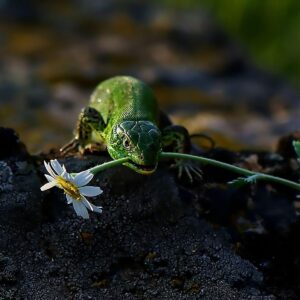 Lizard
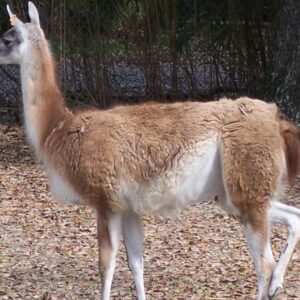 Llama
Llama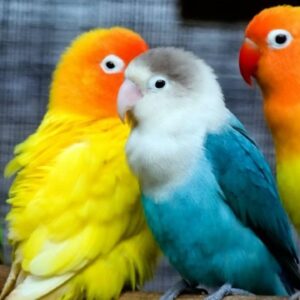 Lovebirds
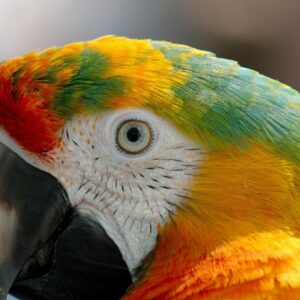 Macaw
Macaw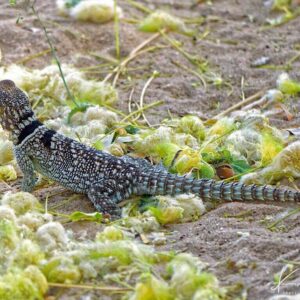 Madagascar Iguanids
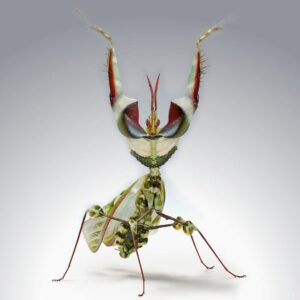 Mantis
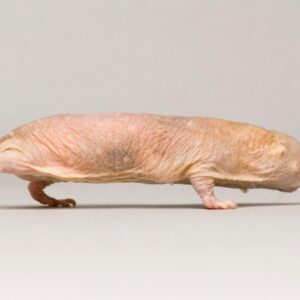 Mole Animal
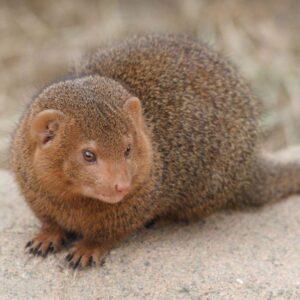 Mongooses
 Monito Del Monte
 Monkey
 Mosquito
 Mouse
Mouse Mussels
 Narwhale
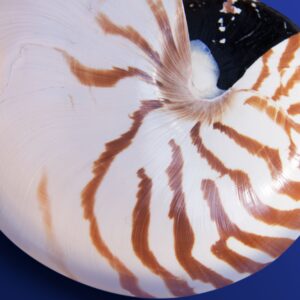 Nautilidae
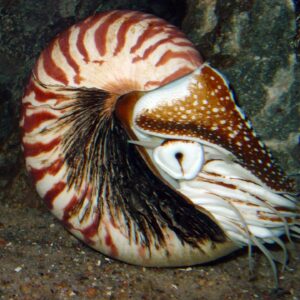 Nautiloid
 Neon Tetra
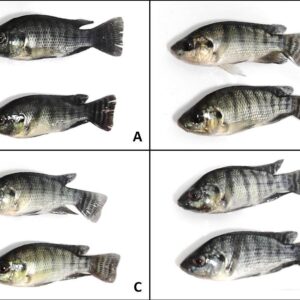 Nile Tilapia
 Oceanic Dolphins
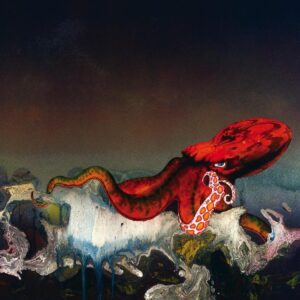 Octopus
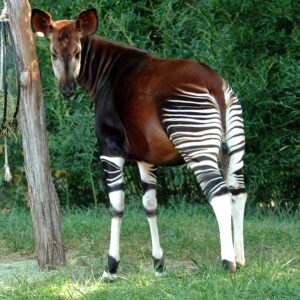 Okapis
 Orangutan
 Orca
Orca Otters
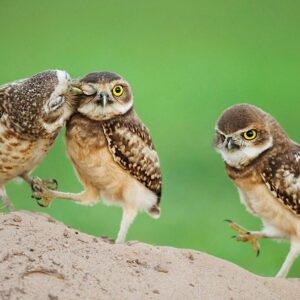 Owl
Owl Pacific Geoduck
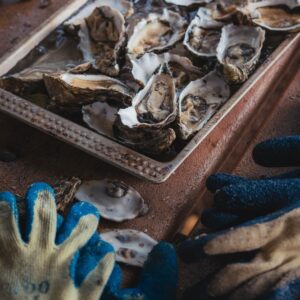 Pacific Oyster
 Panda Bear
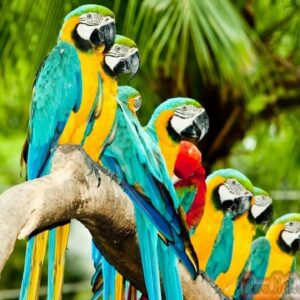 Parrot
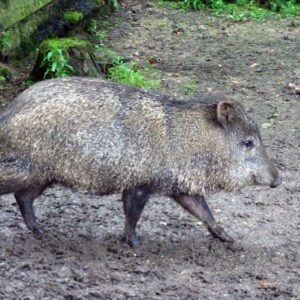 Peccaries
 Penguin
 Pied Northern Cardinal
 Pig
Pig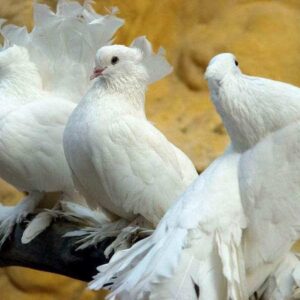 Pigeons
 Pit Bulls
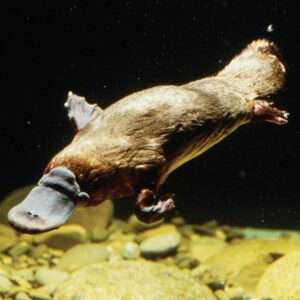 Platypus
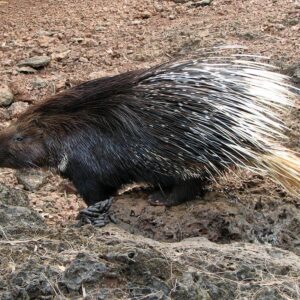 Porcupine
 Pronghorn
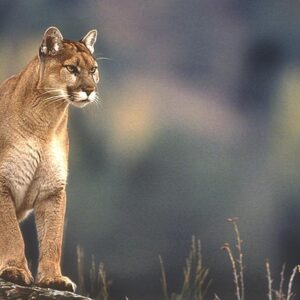 Puma Animal
 Puppies
 Rabbit
 Raccoons
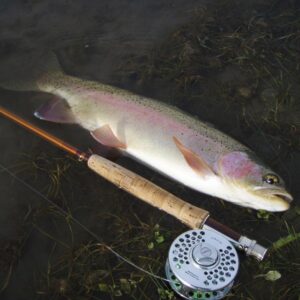 Rainbow Trout
 Rat
Rat Red Fox
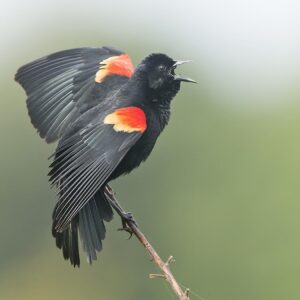 Red-winged Blackbird
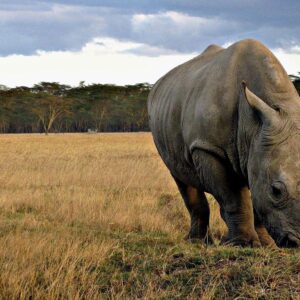 Rhinoceros
 Rhinoceros Hornbill
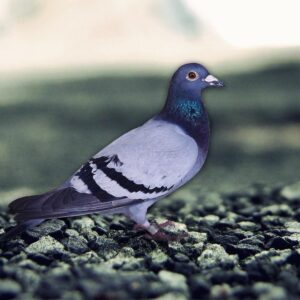 Rock Dove
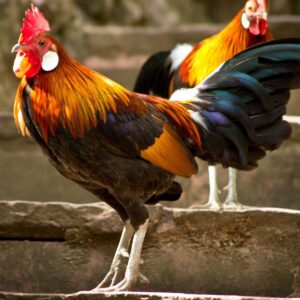 Rooster
 Rottweiler
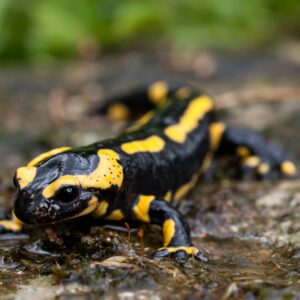 Salamanders
 Salmon Fish
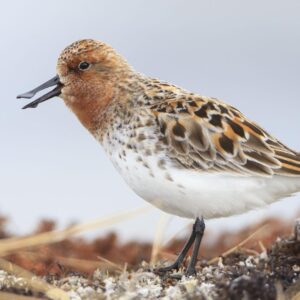 Sandpiper
 Sardines
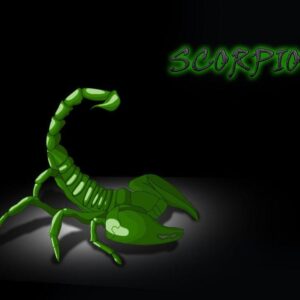 Scorpion
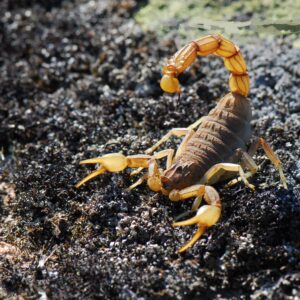 Scorpion Arachnids
 Shark
Shark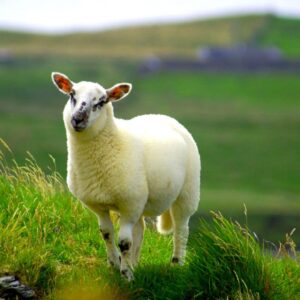 Sheep
Sheep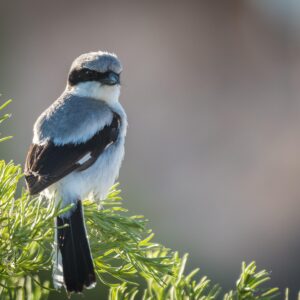 Shrike
 Skinks
 Skunks
 Sloth
Sloth Sloth Bear
 Slugs
Slugs Snails
 Snake
Snake Sparrow
 Spider
 Squirrel
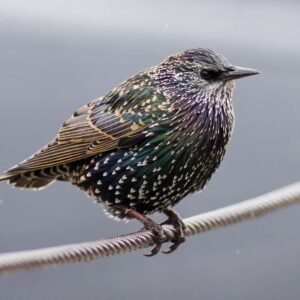 Starling
 Sternidae
 Stink Badgers
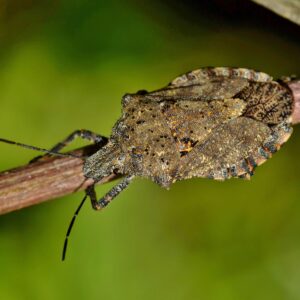 Stink Bugs
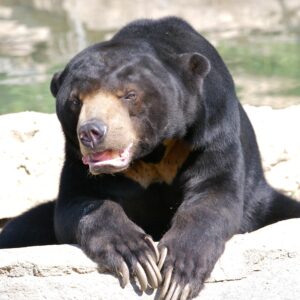 Sun Bear
 Sword Fish
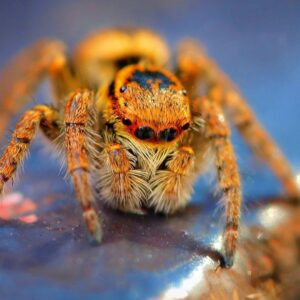 Tarantula
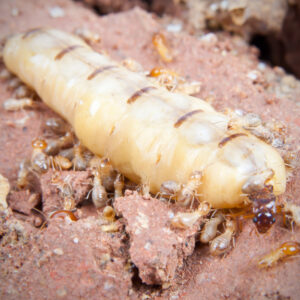 Termite
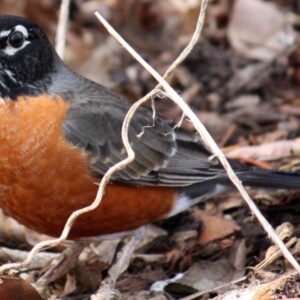 Thrushes
 Tiger
Tiger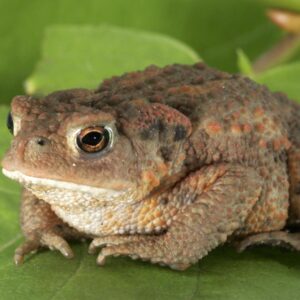 Toads
Toads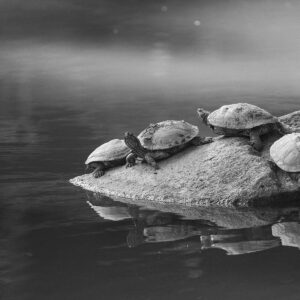 Tortoise
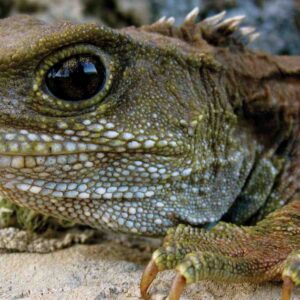 Tuataras
 Tuna
Tuna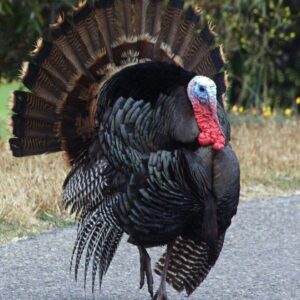 Turkeys
 Turtle
 Vogel's Pit Viper Trimeresurus Vogeli
 Vulture
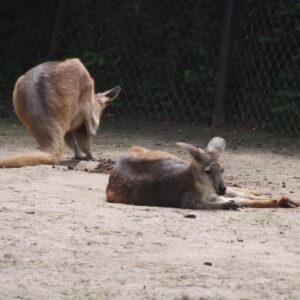 Wallaroos
 Walrus
 Weasels
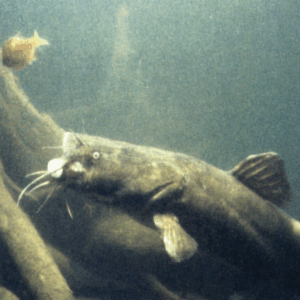 Wels Catfish
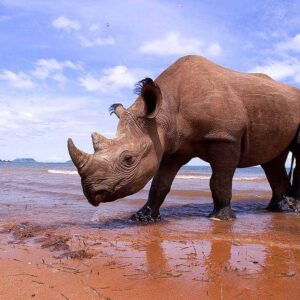 White Rhinoceros
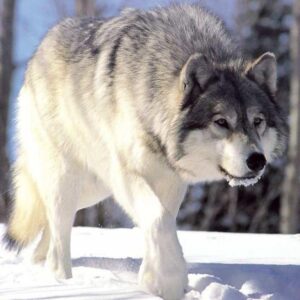 Wolf HD
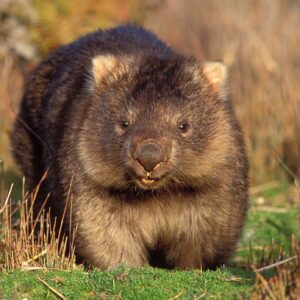 Wombats
 Woodpecker
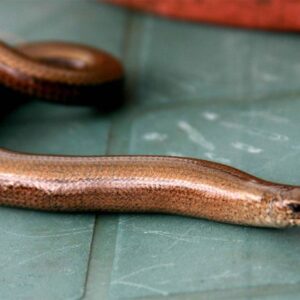 Worm Lizards
 Wrens
Wrens Zebra Fish
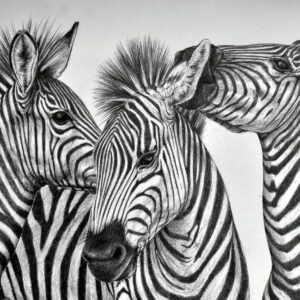 Zebras
About collection
This collection presents the theme of Animals. You can choose the image format you need and install it on absolutely any device, be it a smartphone, phone, tablet, computer or laptop. Also, the desktop background can be installed on any operation system: MacOX, Linux, Windows, Android, iOS and many others. We provide wallpapers in all popular dimensions: 512x512, 675x1200, 720x1280, 750x1334, 875x915, 894x894, 928x760, 1000x1000, 1024x768, 1024x1024, 1080x1080, 1080x1920, 1131x707, 1152x864, 1191x670, 1200x675, 1200x800, 1242x2208, 1280x720, 1280x800, 1280x804, 1280x853, 1280x960, 1280x1024, 1332x850, 1366x768, 1440x900, 1440x2560, 1600x900, 1600x1000, 1600x1067, 1600x1200, 1680x1050, 1920x1080, 1920x1200, 1920x1280, 1920x1440, 2048x1152, 2048x1536, 2048x2048, 2560x1440, 2560x1600, 2560x1707, 2560x1920, 2560x2560
How to install a wallpaper
Microsoft Windows 10 & Windows 11
- Go to Start.
- Type "background" and then choose Background settings from the menu.
- In Background settings, you will see a Preview image. Under
Background there
is a drop-down list.
- Choose "Picture" and then select or Browse for a picture.
- Choose "Solid color" and then select a color.
- Choose "Slideshow" and Browse for a folder of pictures.
- Under Choose a fit, select an option, such as "Fill" or "Center".
Microsoft Windows 7 && Windows 8
-
Right-click a blank part of the desktop and choose Personalize.
The Control Panel’s Personalization pane appears. - Click the Desktop Background option along the window’s bottom left corner.
-
Click any of the pictures, and Windows 7 quickly places it onto your desktop’s background.
Found a keeper? Click the Save Changes button to keep it on your desktop. If not, click the Picture Location menu to see more choices. Or, if you’re still searching, move to the next step. -
Click the Browse button and click a file from inside your personal Pictures folder.
Most people store their digital photos in their Pictures folder or library. -
Click Save Changes and exit the Desktop Background window when you’re satisfied with your
choices.
Exit the program, and your chosen photo stays stuck to your desktop as the background.
Apple iOS
- To change a new wallpaper on iPhone, you can simply pick up any photo from your Camera Roll, then set it directly as the new iPhone background image. It is even easier. We will break down to the details as below.
- Tap to open Photos app on iPhone which is running the latest iOS. Browse through your Camera Roll folder on iPhone to find your favorite photo which you like to use as your new iPhone wallpaper. Tap to select and display it in the Photos app. You will find a share button on the bottom left corner.
- Tap on the share button, then tap on Next from the top right corner, you will bring up the share options like below.
- Toggle from right to left on the lower part of your iPhone screen to reveal the "Use as Wallpaper" option. Tap on it then you will be able to move and scale the selected photo and then set it as wallpaper for iPhone Lock screen, Home screen, or both.
Apple MacOS
- From a Finder window or your desktop, locate the image file that you want to use.
- Control-click (or right-click) the file, then choose Set Desktop Picture from the shortcut menu. If you're using multiple displays, this changes the wallpaper of your primary display only.
If you don't see Set Desktop Picture in the shortcut menu, you should see a submenu named Services instead. Choose Set Desktop Picture from there.
Android
- Tap the Home button.
- Tap and hold on an empty area.
- Tap Wallpapers.
- Tap a category.
- Choose an image.
- Tap Set Wallpaper.